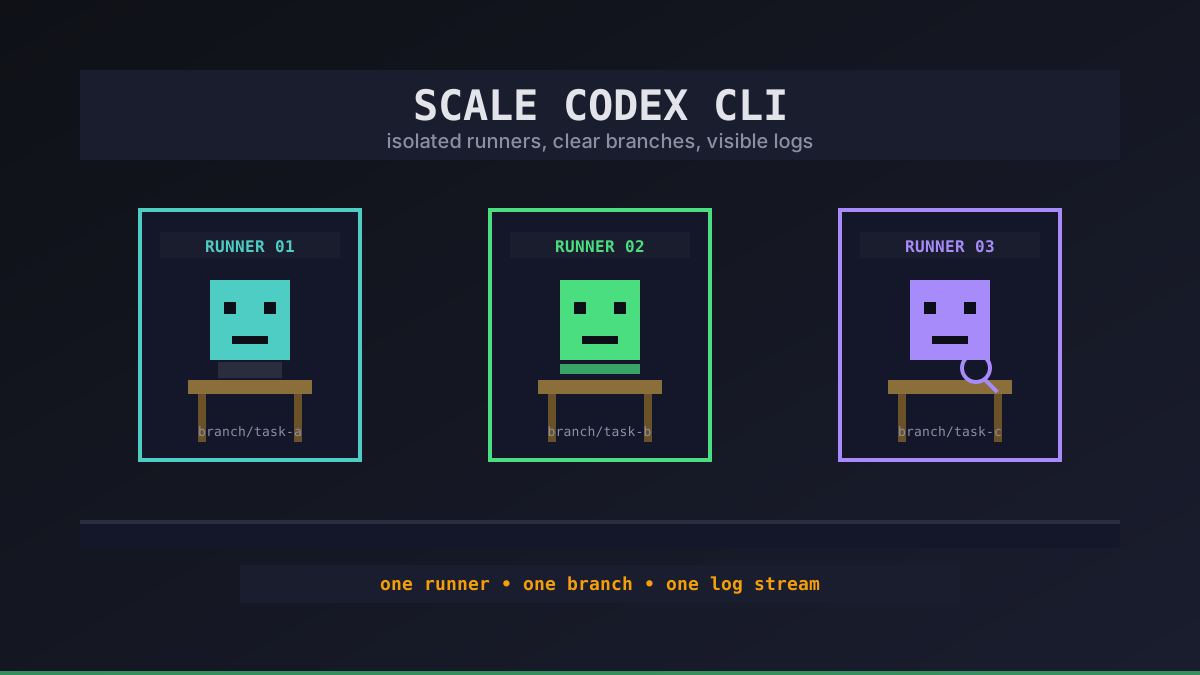
Scaling Codex CLI is not about one giant machine. It is about keeping each agent boring, isolated, and easy to stop when it wanders off.
We usually see the same failure mode: one successful Codex session becomes three, then six, and suddenly a single VPS is full of half-finished branches, hidden tmux panes, and logs nobody reads. The fix is a scaling shape, not heroics.
Start With the Unit of Scale
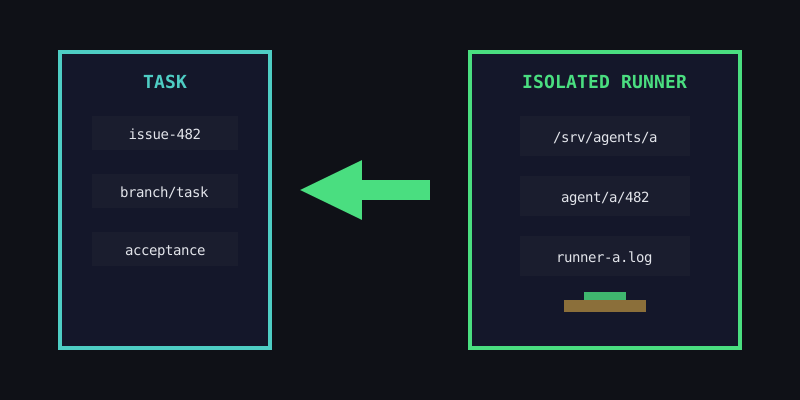
The unit of scale should be one agent runner: one working directory, one branch, one task, one log stream. If two agents share a checkout, they will eventually overwrite each other or run tests against a mixed state.
# keep each runner boring and observable
export CODEX_WORKDIR=/srv/agents/$AGENT_NAME
export CODEX_BRANCH=agent/$AGENT_NAME/$TASK_ID
export CODEX_LOG=/var/log/office-claws/$AGENT_NAME.log
export CODEX_TIMEOUT_MINUTES=90
That looks simple because it should be. Before adding more VPS capacity, make sure every runner answers four questions:
- where is the repo checkout?
- which branch owns this task?
- where do logs go?
- who is allowed to stop it?
Add Concurrency Slowly
The cheapest scaling mistake is running too many agents before you know the bottleneck. Codex CLI work usually hits one of four limits: CPU during tests, RAM during builds, disk during dependency installs, or human review capacity after agents finish.
| Stage | Good default | Watch first |
|---|---|---|
| Small repo, light tests | 1-2 agents per 2GB VPS | RAM and swap |
| Web app with builds | 1 agent per 2GB VPS | build time |
| Heavy monorepo | 1 agent per 4GB+ VPS | CPU and disk IO |
| Review-heavy workflow | fewer agents than reviewers | open PR backlog |
Office Claws keeps this visible in the desktop app instead of asking you to remember which terminal belongs to which task. Self-Hosted stays at $4.99/month when you bring your own DigitalOcean account; Managed starts at $14.99/month when you want us to run the VPS side.
Split Work by Risk
Do not scale by cloning the same prompt into five agents. Scale by giving each agent a different risk profile.
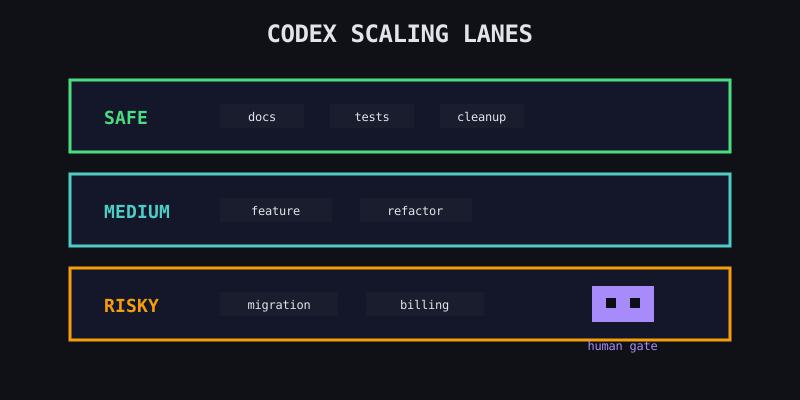
A pattern that holds up:
- Safe lane — docs, tests, small refactors, dependency cleanup.
- Medium lane — feature branches with clear acceptance criteria.
- Risky lane — migrations, auth, billing, deploy scripts, anything that needs slower review.
Put the risky lane on the quietest runner. Give it longer timeouts, fewer concurrent neighbors, and a human checkpoint before it touches production-shaped code.
Know When to Add Another VPS
A bigger VPS is useful until it becomes a shared blast radius. We prefer adding another small runner when isolation matters more than raw speed.
Add capacity when:
- tests are queued behind unrelated work
- one broken dependency install blocks every agent
- logs are too noisy to debug quickly
- the review queue is healthy but agents are waiting
Do not add capacity when humans are already behind on reviews. More agents will only create more stale branches.
What Is Next
If you are comparing agent frameworks, start with our OpenClaw vs Codex comparison. If you already know the work is repo-shaped, the Office Claws for OpenClaw users path gives you persistent Codex runners without turning scaling into a terminal archaeology project.
Our recommendation is simple: scale Codex CLI one runner at a time, keep each branch isolated, and stop adding agents the moment review becomes the bottleneck.