The Problem
Running an AI agent on a VPS sounds easy when you only imagine the happy path.
You create a server, install Docker, add an API key, start the container, and connect it to your control plane.
That works for one agent, once.
The problems start when you want the setup to be reliable.
Suddenly you are juggling:
- SSH access across multiple machines
- cloud provider credentials
- Tailscale or VPN setup
- agent status and health checks
- logs in several places
- model keys and secret storage
- naming and tracking multiple agents
At that point, “run an AI agent on a VPS” stops being a simple workflow and becomes an operations problem.
Why VPS-based AI agents are still worth it
Even with the extra complexity, VPS deployment remains attractive for serious users.
It gives you:
- Control — You own the runtime, networking, and installed dependencies
- Isolation — Each agent can live in its own environment
- Flexibility — You can use your own infrastructure, containers, and private services
- Predictability — You are not fully dependent on a black-box hosted platform
The upside is real.
The downside is that once you go beyond a single agent, the management layer matters almost as much as the agent itself.
Where most AI agent VPS setups break down
1. Provisioning takes too long
Fresh server setup is full of repetitive work: package installs, Docker setup, networking, bootstrapping, pulling images, onboarding the agent.
That delay hurts both UX and reliability.
2. “Online” does not mean healthy
A container can be running while the agent is disconnected, broken, or stuck. Traditional server monitoring does not capture actual agent state very well.
3. Secrets spread everywhere
Cloud tokens, SSH keys, Tailscale auth keys, operator tokens, and LLM API keys often end up moving between docs, terminals, scripts, and machines.
That is not a sustainable security model.
4. Multi-agent workflows become noisy
Once you have multiple agents, you need clear naming, state tracking, lifecycle control, and a way to understand what each agent is doing without living in terminal tabs.
What good AI agent VPS management should include
If you want to run agents on VPS infrastructure without turning the whole system into manual ops work, you need more than a deployment script.
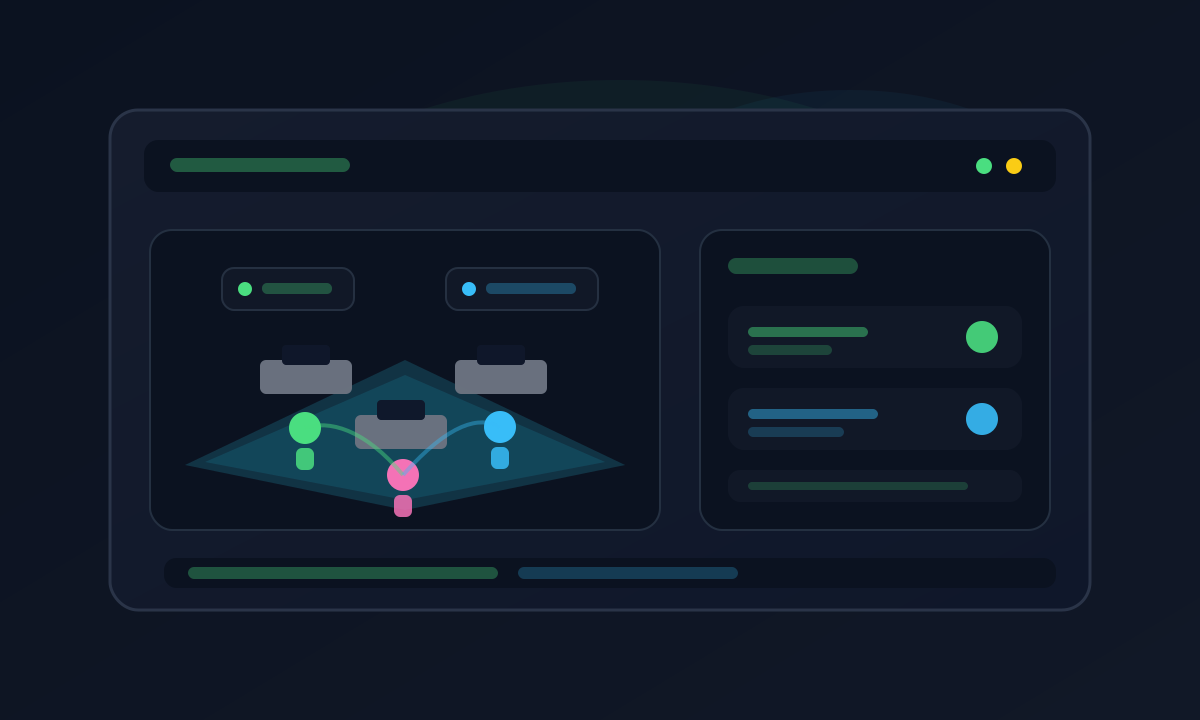
A solid management layer should handle:
- fast provisioning
- safe onboarding
- secure key handling
- health visibility
- per-agent status tracking
- multi-agent organization
- clear control surfaces for operators
That is the gap Office Claws is designed to close.
How Office Claws approaches AI agent infrastructure
Office Claws is a desktop app for managing AI agents on VPS instances.
Instead of forcing users to glue together terminal commands, dashboards, and cloud panels, it combines infrastructure orchestration with a visual control experience.
Desktop app + backend separation
One of the key architectural decisions is splitting local and remote responsibilities.
The desktop app handles:
- local UX
- OS keychain integration
- secure local interactions
- direct operator controls
The backend handles:
- VPS provisioning
- infrastructure automation
- provider-side orchestration
This separation matters because it lets sensitive infrastructure tokens stay on the backend while keeping user-side secrets local when appropriate.
Provisioning matters more than people think
One of the biggest operational wins in Office Claws is snapshot-based provisioning.
Instead of rebuilding every agent environment from scratch on a fresh server, we pre-bake the heavy setup into reusable snapshots. That cuts the time to a usable agent dramatically.
The result is not just speed for the sake of speed.
Faster provisioning means:
- lower onboarding friction
- fewer failure points during setup
- less waiting before a user reaches their first successful interaction
In practice, that changes the product experience a lot.
Observability is not optional
A VPS dashboard alone does not tell you enough.
You need to know:
- whether the agent is actually connected
- whether onboarding completed correctly
- whether networking is healthy
- whether the control channel is responsive
- whether the agent is doing something useful
This is where product-level observability matters more than generic server metrics.
When you are managing AI agents, “CPU looks fine” is not an answer.
Security should not be an afterthought
AI agent infrastructure tends to accumulate secrets quickly.
A good system should minimize how widely those secrets travel.
Better patterns include:
- keeping provider tokens on the backend
- keeping user keys local when possible
- using keychain storage instead of plaintext files
- limiting which layer can see which secret
- reducing the number of manual copy-paste steps
This is one of the most underrated parts of infrastructure UX.
A clean secret model is not just about security. It also makes the system easier to operate.
Managing multiple agents should feel understandable
The jump from one agent to several is where most DIY stacks get ugly.
You need a way to quickly answer:
- Which agent is assigned to which VPS?
- Which one is online right now?
- Which one failed during provisioning?
- Which one is using which model or config?
- Which one needs attention?
This is why visual management can be a real advantage.
Office Claws treats agents as active entities in a workspace, not just rows in a table. That makes multi-agent operations easier to reason about, especially when the system grows.
Best practices for running AI agents on a VPS
If you are building your own setup or evaluating management tools, these principles help a lot:
Use private networking where possible
Tailscale-style connectivity is usually a better default than exposing public interfaces directly.
Separate infrastructure credentials from model credentials
Do not let every layer handle every secret.
Automate repeatable steps
If you provision more than once, it should be a workflow, not a checklist.
Track real agent state
Do not confuse process uptime with actual application health.
Design for multi-agent clarity early
Naming, status tracking, and ownership become painful if you postpone them.
Who this setup is for
VPS-based AI agent management is a strong fit for:
- developers building custom agent products
- technical founders who want control over infrastructure
- teams experimenting with multi-agent systems
- self-hosted users who want more flexibility than managed platforms allow
- operators who care about visibility and debugging
If you want a fully abstracted hosted product with no infrastructure thinking at all, this approach may be too hands-on.
But if you want control without drowning in ops noise, it is the right tradeoff.
Final thoughts
Running AI agents on a VPS is powerful, but it gets operationally messy much faster than most people expect.
The challenge is not launching one agent. The challenge is provisioning, monitoring, securing, and managing a growing fleet without losing context.
That is why the management layer matters.
Office Claws is built to make VPS-based AI agent infrastructure easier to operate, faster to provision, and much easier to understand.
You still get the flexibility of self-managed infrastructure.
You just stop paying for it with unnecessary chaos.