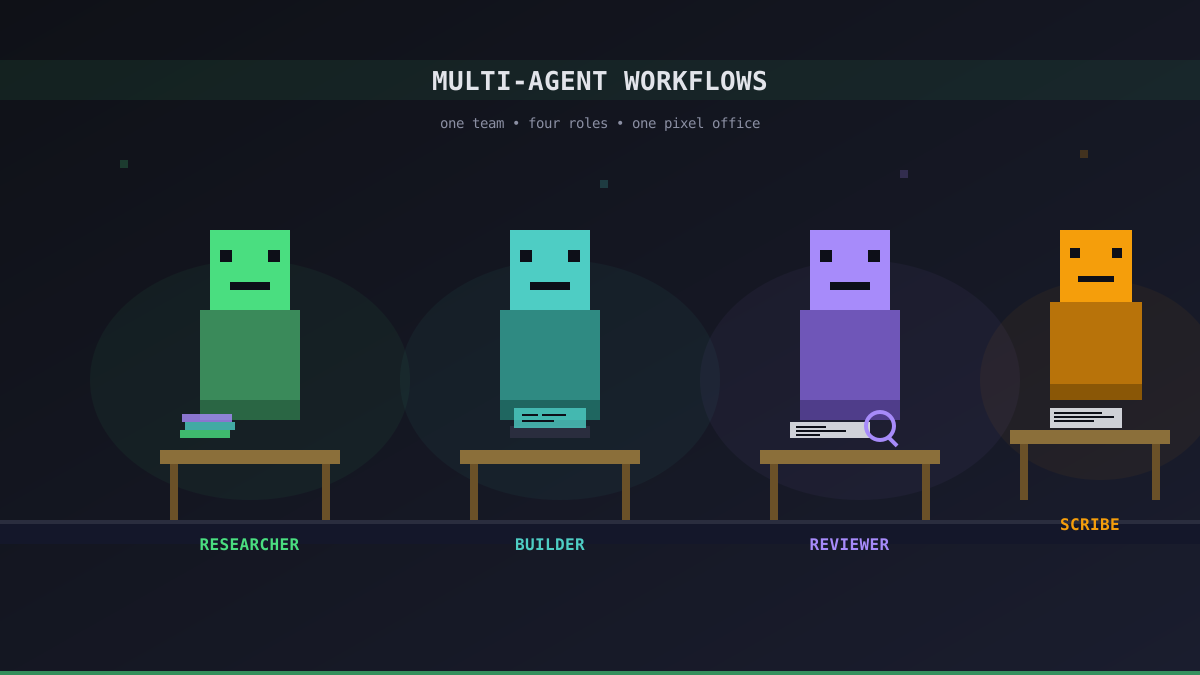
One Agent Is a Tool, Four Agents Are a Team
A single AI agent is already useful — ask a question, get an answer. But most real work is not a single question. It is a loop: research something, draft a change, review it, write it up. One generalist agent will do all four, but it will do none of them especially well, and its context will get muddled halfway through.
Office Claws is built for running several agents at once. Each one gets its own VPS, its own system prompt, and its own desk in the pixel office. The interesting question is not can you run four agents — it is what should each of them do.
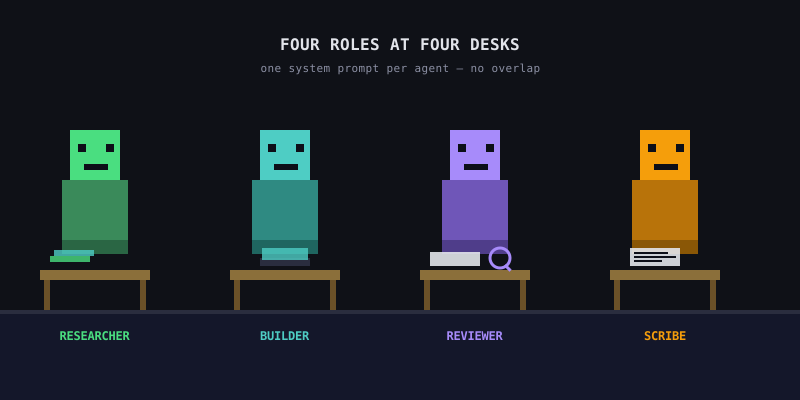
A Simple Four-Role Setup
The setup below is the one we use internally most days. Every role has a narrow scope and a prompt written for that scope.
The Researcher
System prompt focused on finding and summarizing information. No code, no opinions — just facts with sources.
Good for: skimming long threads, gathering API docs, pulling release notes, comparing libraries.
Pair it with a model that has a large context window. Claude Sonnet 4.6 is a reasonable default here.
The Builder
System prompt focused on writing and editing code. It should be allowed to run tests, read files, and make small commits — but not push branches.
Good for: fixing bugs, small features, refactors that stay inside one file.
Give this one the strongest coding model you can afford. The time cost of a bad patch is higher than the token cost of a better model.
The Reviewer
System prompt focused on reading the Builder's diff and finding problems. It never writes code. It writes concerns — security, correctness, clarity — and points at specific lines.
Good for: catching the kind of mistake you will miss because you are tired and the diff is 400 lines.
The Scribe
System prompt focused on turning completed work into prose — release notes, internal updates, commit messages, blog drafts.
Good for: the boring last mile that otherwise gets skipped.
Why Separate Prompts Matter More Than Separate Models
It is tempting to think the trick is using four different models. Usually the trick is using four different prompts. A single model with "you are a senior reviewer, never write code, only find problems" behaves almost nothing like the same model with "you are a helpful pair programmer."
Separation of concerns is a real engineering principle here, not just organizational hygiene:
- A focused system prompt eats less context overhead, leaving more room for the actual work
- Narrow scope makes the agent easier to evaluate — you know what good output looks like
- When something goes wrong, you know which agent to blame and which prompt to tune
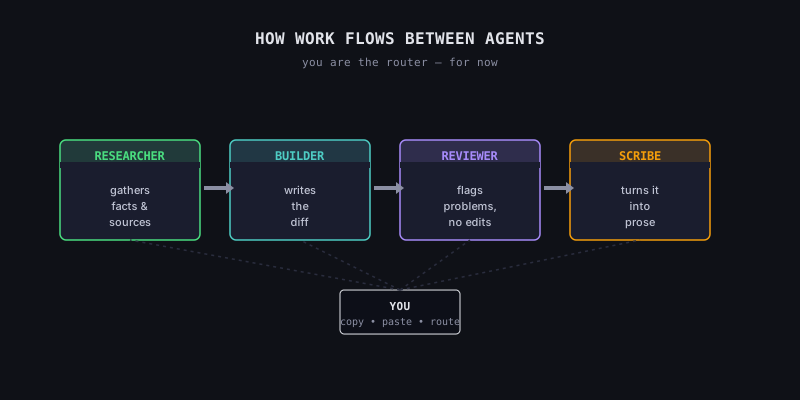
How Work Flows Between Agents
Office Claws does not yet have automatic agent-to-agent handoff. You are the router. In practice that looks like:
- Ask the Researcher a question, copy the summary
- Paste the summary into the Builder with a concrete instruction
- Paste the resulting diff into the Reviewer and ask "what would you change?"
- When the Builder's second pass lands, paste the final diff into the Scribe for a release note
This feels clunky on paper and surprisingly natural in practice. The pixel office helps — each agent has a desk, so you always know which context belongs to whom. No browser tabs, no "wait, which conversation had the API docs?"
Cost Notes
Running four agents is not four times the cost of running one. Most of the cost is tokens, and tokens scale with how much you talk to an agent — not how many agents exist.
On the self-hosted plan, each agent is a separate DigitalOcean droplet, so you do pay for the infrastructure. A $4/month basic droplet per agent adds up, but it is still meaningfully less than most SaaS seats. On the managed plan, every additional agent is $14.99/month.
If you are just experimenting, start with two: a Researcher and a Builder. Add the other two once you know you actually need them.
What Not to Do
- Do not make one agent "the manager" of the others. There is no agent-to-agent protocol yet, and asking an agent to coordinate other agents just makes it hallucinate workflows
- Do not give every agent every tool. The Reviewer does not need file-write access. The Scribe does not need a compiler
- Do not use the same system prompt with a different name. If two agents have the same prompt, you do not have two agents — you have one agent paying for two droplets
Where This Goes Next
We are working on a few things that will make multi-agent setups feel less manual:
- Saved role presets — one-click "Researcher", "Builder", "Reviewer" configurations
- Cross-agent copy — select output from one agent and send it to another without leaving the app
- Agent-to-agent messages — experimental, gated, and coming only once we are confident it does not just amplify mistakes
Until then, the manual flow is a feature, not a limitation. You are the one who knows what the work actually is.