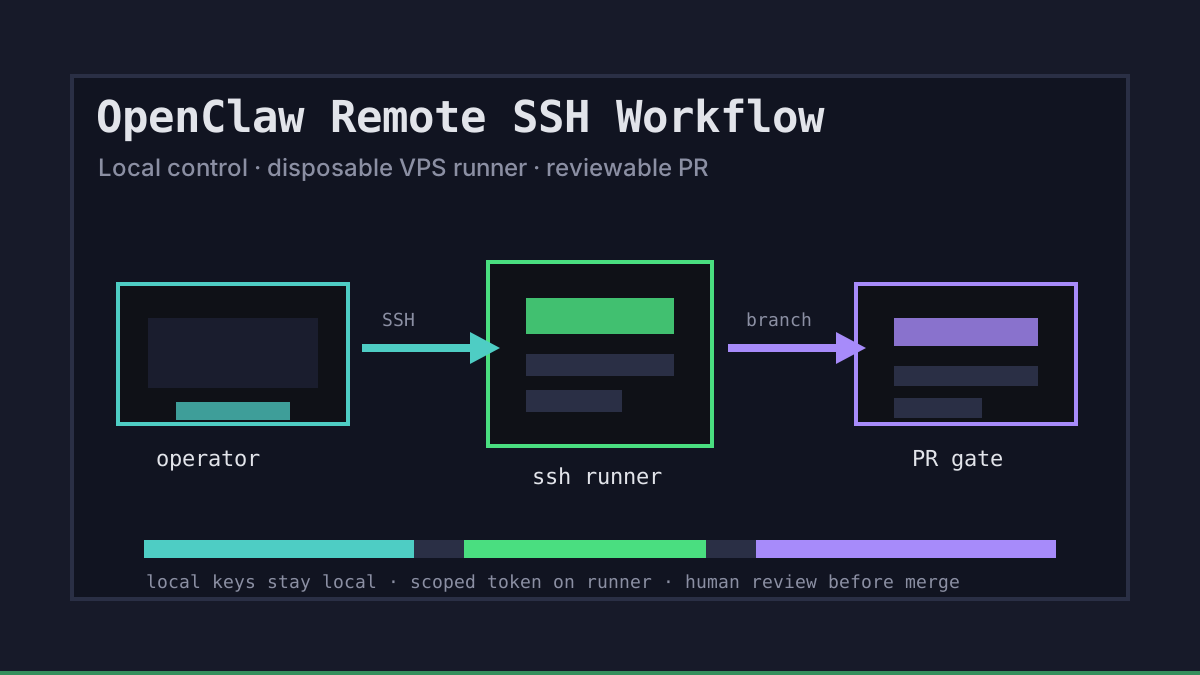
Why OpenClaw Remote SSH Workflows Need Boundaries
OpenClaw-style work gets most useful when the agent can leave your laptop and keep running on a remote machine. SSH makes that possible, but it also creates a sharp edge: the remote box can inherit too much trust, too many keys, and too much access to the repo.
Office Claws is not a native OpenClaw runtime. We use the same operating model for Codex-backed agents: keep the control plane local, connect to a disposable VPS runner over a private path, and make every remote session easy to inspect. If you are choosing the runtime layer first, start with OpenClaw vs Codex, then use this workflow as the safer SSH layer around it.
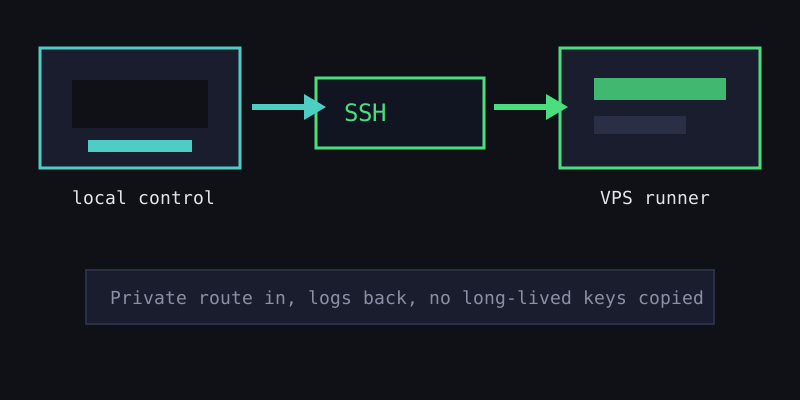
The OpenClaw SSH Runner Pattern
A good remote SSH workflow has three jobs: isolate the runner, narrow the credentials, and preserve the audit trail. The runner should be useful enough to build and test code, but boring to destroy when the task ends.
| Layer | Keep local | Allow on runner | Review gate |
|---|---|---|---|
| Control | Office Claws desktop, provider keys, approvals | Runner status and logs | Human can stop or delete the runner |
| Source | Canonical repo and protected branches | One branch or worktree | PR diff before merge |
| Secrets | Long-lived API keys and deploy tokens | Short-lived repo token if needed | Token revoked after task |
| Network | Tailscale or private route policy | SSH from approved operator | Unknown inbound ports blocked |
That pattern matches the advice in OpenClaw secrets management: do not copy the operator vault to the machine where the agent executes untrusted commands. Use SSH for transport, not as an excuse to make the runner a second laptop.
A Minimal Remote SSH Checklist
The exact commands vary by cloud and distro, but the operating shape should stay stable. We like this checklist before handing a task to an agent:
1. Create or reuse one VPS runner for one task.
2. Connect over Tailscale or another private route when possible.
3. Check out one repo branch or one isolated worktree.
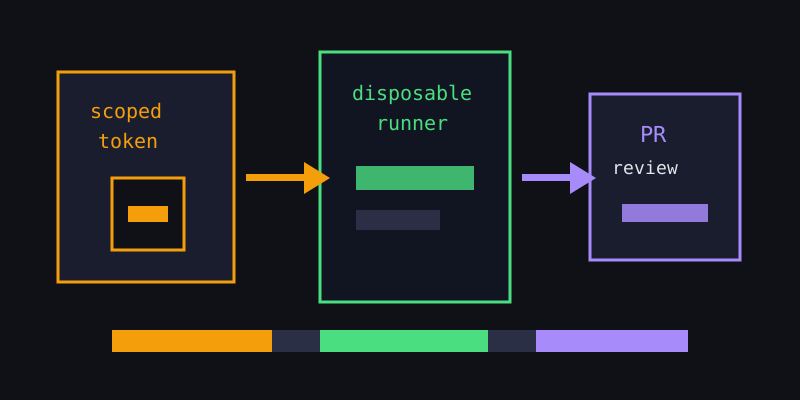
4. Pass only the scoped token required for the task.
5. Stream logs back to the operator view.
6. Push a PR, validate CI, then destroy or reset the runner.
The important detail is step four. If a runner only needs to open a branch and push a PR, it does not need production deploy keys. If it only needs to run tests, it may not need any external token at all. OpenClaw sandbox covers the workspace side of the same idea.
Failure Modes to Design Out
Remote SSH workflows usually fail quietly before they fail dramatically. A stale runner keeps an old .env file. A shared machine has two agents editing the same checkout. A personal token is pasted into a shell history file. None of these feel like incidents until the wrong branch is pushed or the wrong key leaks.
Design the workflow so the safe path is the easy path:
- one task per runner or worktree;
- no agent writes directly to
main; - logs stream back to the local operator instead of living only on the VPS;
- secrets are short-lived, scoped, and rotated after use;
- stuck sessions can be stopped from the desktop manager.
For the GitHub side, pair this with the OpenClaw GitHub workflow. SSH gets the agent onto the machine; branches, PRs, and CI decide whether the work should land.
What Office Claws Adds
Office Claws for OpenClaw users is the operator layer around this pattern: desktop management, VPS runner provisioning, monitoring, and safer local key handling. The execution path is Codex-first today, which is why we describe the workflow honestly as OpenClaw-adjacent rather than claiming native OpenClaw support.
The practical result is simple: agents can work remotely without turning every VPS into a permanent trust anchor. Keep control local, keep runners disposable, and make every SSH session lead to a reviewable branch.