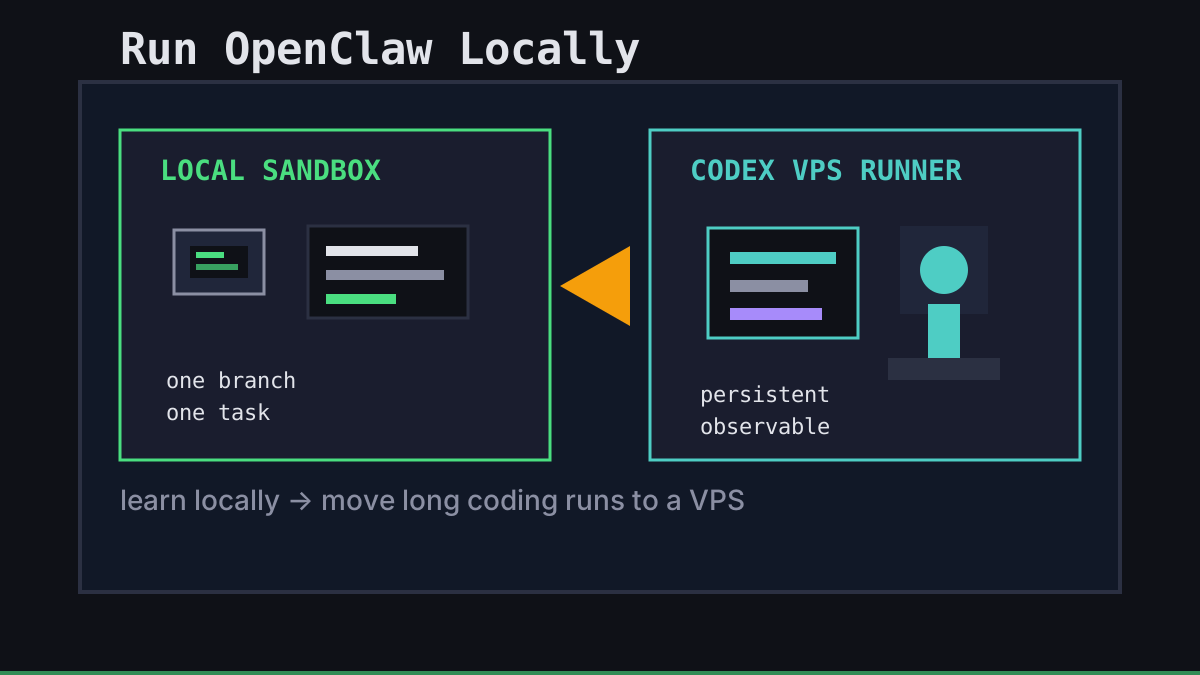
Running OpenClaw locally is the right first move when you are learning the framework, testing prompts, or checking whether your workflow is really agent-shaped. Your laptop is close to the repo, easy to inspect, and cheap to reset.
The trap is treating that same local setup like production. A laptop sleeps. Shells disappear. Secrets sprawl across dotfiles. Long coding runs need a cleaner boundary. This guide keeps the local path honest, then shows when to move the coding workload to Codex on a VPS with Office Claws.
Start With a Small Local Sandbox
Do not point a new agent at your main checkout and hope for the best. Give OpenClaw a narrow workspace, a disposable branch, and the few credentials it actually needs.
| Setup choice | Safer default | Why it helps |
|---|---|---|
| Repository | Fresh branch or throwaway clone | Easy rollback after a bad edit |
| Secrets | Short-lived tokens only | Less damage if a tool call leaks context |
| Filesystem | One project directory | Prevents accidental edits outside the task |
| Network | Explicit allowlist | Makes unexpected calls visible |
A minimal local routine looks like this:
git checkout -b agent/sandbox-task
git status --short
# start OpenClaw with only this repo and the credentials required for the task
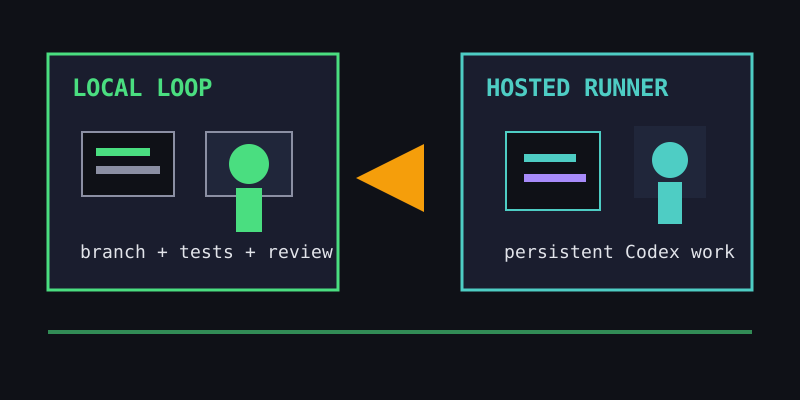
The important part is not the command. It is the shape: one task, one branch, one trust boundary.
Keep the Local Loop Observable
Local OpenClaw runs are useful because you can watch them closely. Use that advantage. Keep the terminal visible, review diffs before every commit, and make tests part of the loop instead of a final cleanup step.
We like this cadence:
- Ask for a small change, not a whole roadmap.
- Let the agent inspect and propose a plan.
- Review the files it wants to touch.
- Run the smallest meaningful test.
- Commit only after the diff is boring.
That cadence also makes migrations easier. If a workflow works locally in small loops, it usually ports cleanly to Codex CLI on a remote host. If it only works because you are constantly rescuing the agent by hand, hosting it will not magically fix the process.
Know When Local Stops Being the Right Place
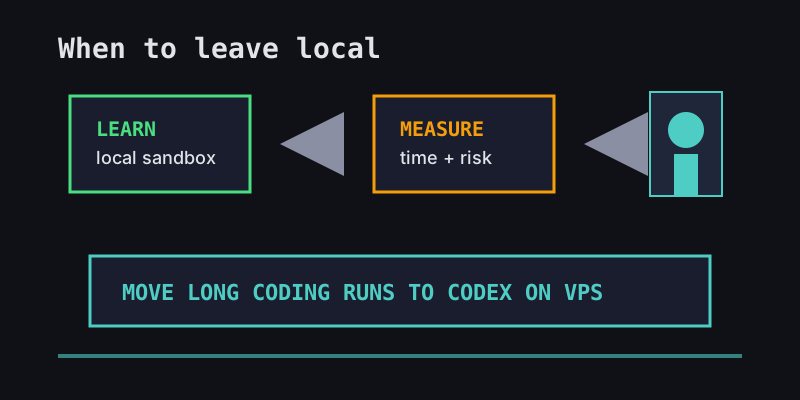
Local-first does not mean laptop-forever. Move the workload when the agent needs time, isolation, or persistence.
| Signal | Stay local | Move to VPS |
|---|---|---|
| Learning a new agent framework | Yes | Not yet |
| One-hour refactor with active review | Yes | Optional |
| Overnight test/fix loop | No | Yes |
| Multiple agents on related branches | Painful | Yes |
| Production-like secrets or customer data | Risky | Prefer isolated host |
That is where the OpenClaw vs Codex decision matters. OpenClaw is broad and ecosystem-oriented. Codex is narrower, but it is strong for repo-centered software work and pairs well with subscription economics. Our OpenClaw vs Codex comparison goes deeper on that tradeoff.
The Office Claws Handoff
Office Claws is not an OpenClaw runtime. We do not claim native OpenClaw support, and we do not wrap OpenClaw behind a button. The honest handoff is this: use local OpenClaw while you are exploring the general-agent workflow, then move coding-heavy work to Codex agents when you want persistent, repo-focused execution.
With Office Claws, that hosted path is deliberately small:
- Provision a self-hosted VPS from the desktop app.
- Connect it over Tailscale so the runner is reachable without exposing SSH to the internet.
- Sign in to Codex CLI with your ChatGPT subscription.
- Start one agent per branch and watch the pixel office for status.
- Pull the branch locally for final review before merge.
The Office Claws for OpenClaw users path is about control: your VPS, your subscription, your branches, and a desktop view that makes long-running agents visible.
Recommendation
Run OpenClaw locally first. Keep the sandbox tight, measure how much of your work is actually code-centric, and use the local loop to learn what the agent is good at.
When the task becomes long-running, branch-heavy, or too important to leave inside a sleeping laptop, move the coding slice to Codex on a VPS. That gives you the persistence OpenClaw users want without pretending that every OpenClaw workflow belongs inside a Codex-shaped tool.
Local is where you learn the workflow. A remote Codex runner is where the boring coding work can keep going.