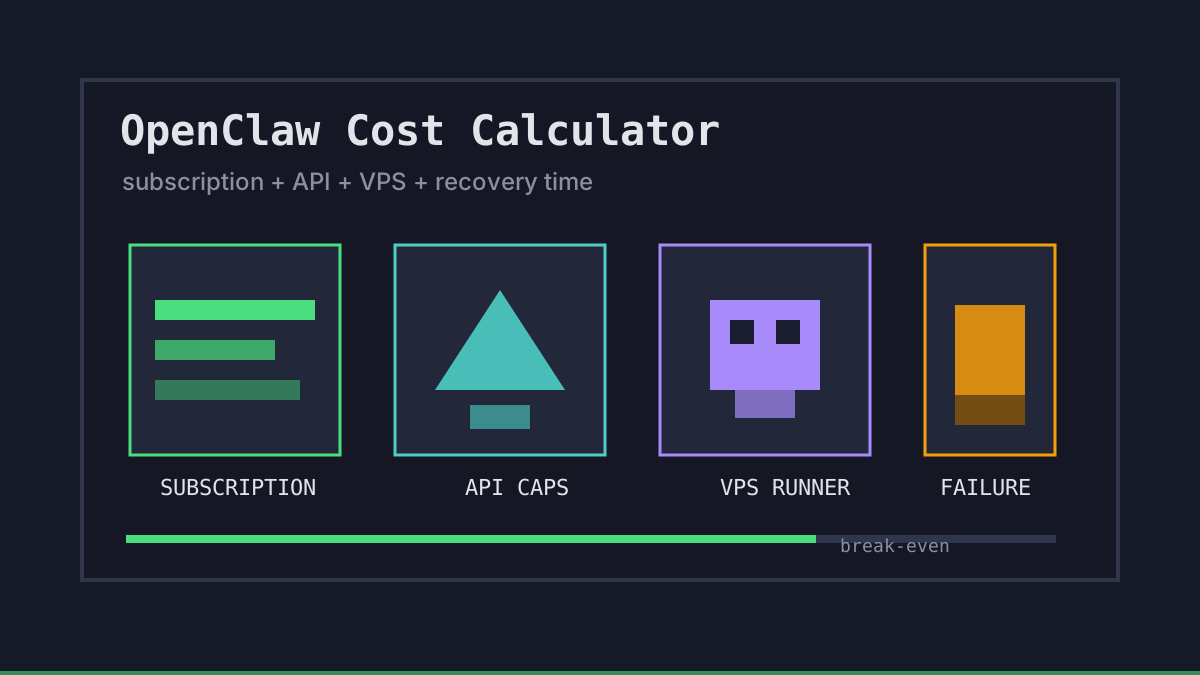
OpenClaw cost planning gets fuzzy when teams only compare model prices. The real bill includes subscriptions, API variance, VPS uptime, retries, failed overnight runs, and the human time spent recovering from a stuck agent.
This OpenClaw cost calculator is the lightweight model we use before moving a workflow into Office Claws-managed VPS runners. It is not an accounting system. It is a way to decide whether a job belongs on a local machine, a subscription-backed runner, or a metered API lane.
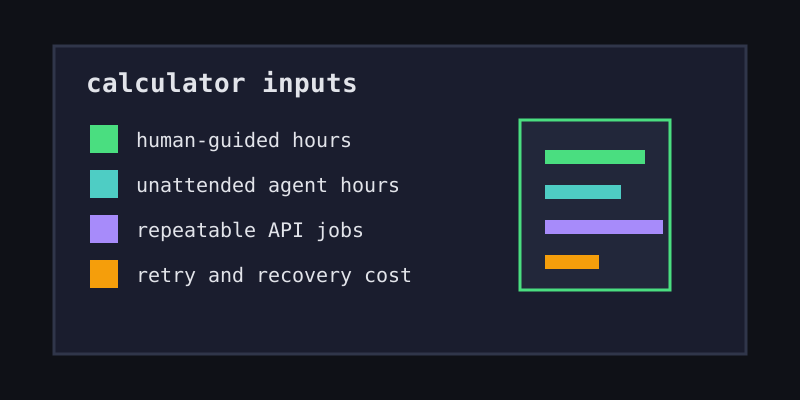
OpenClaw Cost Calculator Inputs
Start with five numbers. If you cannot estimate them yet, run the task manually once and write down the time, retries, and failure points.
| Input | What to enter | Why it matters |
|---|---|---|
| Human-guided hours | hours/month | Usually fit subscription economics |
| Unattended agent hours | hours/month | Need a machine that stays awake |
| Repeatable API jobs | runs/month | Can be capped and metered |
| Average retry rate | percent | Turns small tasks into surprise bills |
| Failed-run recovery time | hours/month | Often costs more than the server |
A simple starting formula looks like this:
monthly_cost = subscription_seats
             + office_claws_plan
             + vps_cost
             + api_job_costs
             + recovery_hours * internal_hourly_cost
The formula is intentionally boring. Most bad OpenClaw migration budgets fail because they ignore the last term: recovery time.
Turn OpenClaw Workflows into Cost Buckets
Do not put every task into one spreadsheet row. Split the work by operating pattern.
| Workflow bucket | Best pricing shape | Office Claws stance |
|---|---|---|
| Interactive coding | Subscription | Keep the developer steering and use visible runner logs |
| Long-running exploratory work | Subscription plus VPS | Keep the agent alive when the laptop sleeps |
| Repeatable automation | API with caps | Set token, retry, and timeout limits before launch |
| Team review work | Subscription plus review gates | One branch, one log stream, one human merge decision |
Office Claws is not a native OpenClaw runtime. It is the desktop and VPS operator layer for OpenClaw-style work, usually with Codex-backed execution when that is the practical path. That distinction keeps the calculator honest: we are pricing the operating model, not pretending every tool has the same runtime.
Example Monthly Scenarios
Here is a practical estimate for three common setups. Replace the hourly recovery cost with your own internal number.
| Scenario | Subscription/API | Office Claws + VPS | Recovery assumption | Estimated monthly shape |
|---|---|---|---|---|
| Solo local experiments | $20 subscription | $0 | 1 hour lost | cheap, but fragile |
| Solo always-on runner | $20 subscription | about $9-$11 | near zero | predictable and resilient |
| Small team with reviews | seats plus capped API jobs | VPS per active lane | lower incident cost | higher base, fewer failures |
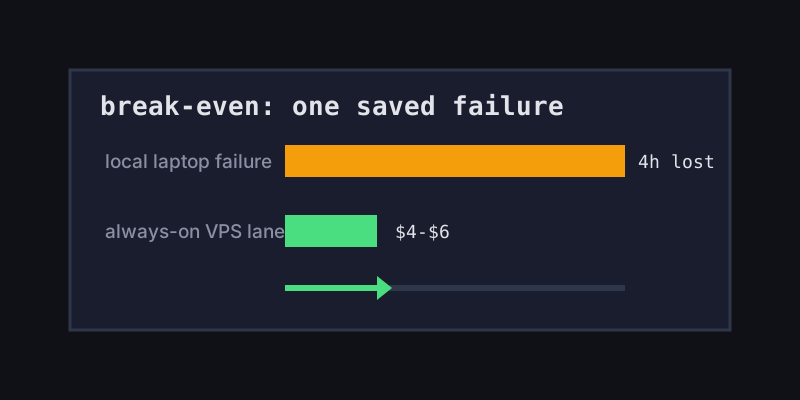
The break-even point is usually one saved failure per month. If a VPS keeps a four-hour refactor from dying after a laptop sleeps, the server paid for itself before you compare token prices.
Guardrails Before You Trust the Number
Use the calculator as a decision aid, not a promise. Add these guardrails before letting an OpenClaw-style workflow run unattended:
- Set a hard timeout for every task.
- Run each task on its own branch or worktree.
- Keep secrets local or scoped to the runner.
- Log commands, retries, and final diffs.
- Require review before merge or deploy.
Those controls reduce both cost variance and blast radius. They also make the monthly number easier to improve because you can see which tasks retry, stall, or read too much context.
What to Do Next
If the calculator says most of your spend is interactive, start with OpenClaw vs Codex and keep subscription economics. If it says failures dominate the budget, read OpenClaw on VPS and OpenClaw monitoring. If the problem is tool choice, compare the OpenClaw desktop manager path.
Office Claws for OpenClaw users is the practical middle: keep local control, run long jobs on reliable VPS runners, use Codex-backed execution where it fits, and make the cost of failure visible before it surprises the team.