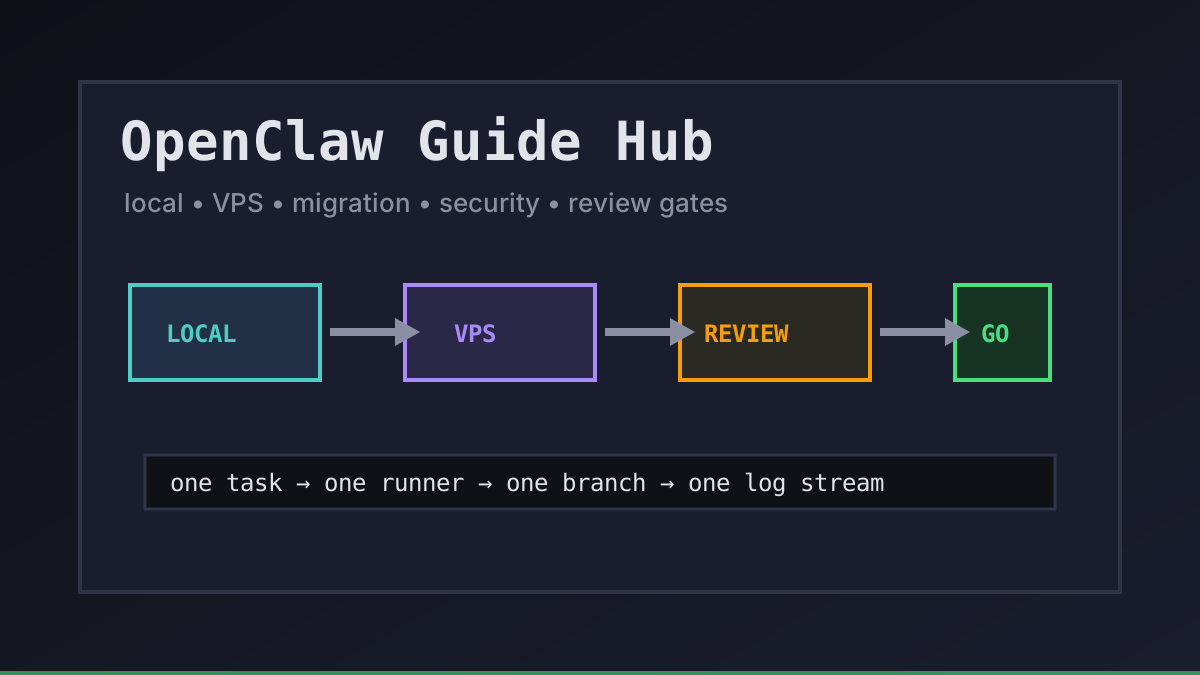
OpenClaw searchers rarely need one more generic overview. They need a route: local first, VPS-backed, migration from a blocked subscription, or a team workflow with review gates. This hub collects the Office Claws OpenClaw guides by decision, so you can pick the next page instead of wandering through a pile of tabs.
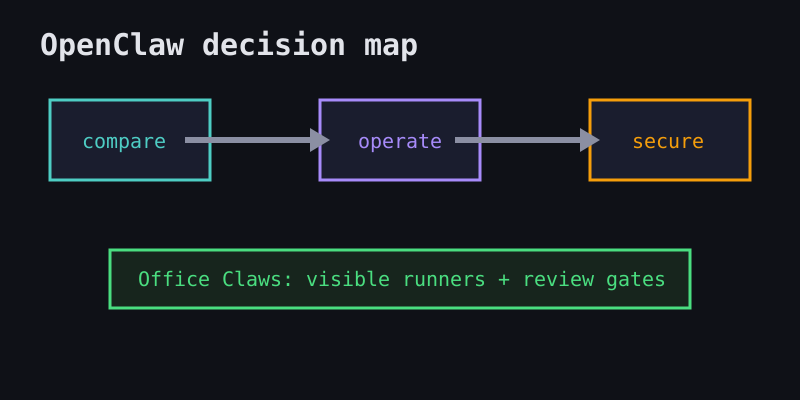
Start with the OpenClaw question you actually have
Use the table below as the shortest path through the cluster. We keep the framing honest: Office Claws is a desktop and VPS manager for OpenClaw-style workflows, usually with Codex-backed execution when that is the practical runtime.
| If you need to... | Read this first | Why it matters |
|---|---|---|
| Compare the operating model | OpenClaw vs Codex | Separates agent UX, runtime cost, and infrastructure control |
| Run agents away from your laptop | OpenClaw on VPS | Explains remote runners, SSH, logs, and isolation |
| Choose a manager layer | OpenClaw desktop manager | Shows where Office Claws fits without pretending to own OpenClaw |
| Harden a workflow | OpenClaw security best practices | Covers keys, network boundaries, and runner blast radius |
| Move from a blocked subscription path | OpenClaw migration to Codex | Turns migration into a checklist instead of a rewrite |
OpenClaw local, VPS, or managed: choose by failure mode
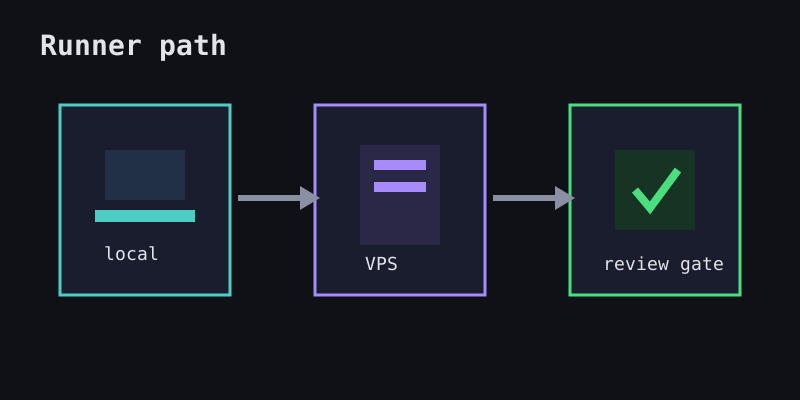
A good OpenClaw plan starts with the failure you refuse to accept. Local-only is simple until a long task dies with your laptop. A raw VPS is flexible until logs and secrets sprawl. A managed layer adds guardrails, but you should still know what it is doing.
| Pattern | Good fit | Watch out for |
|---|---|---|
| Local machine | Short experiments, one developer, low setup overhead | Sleep, battery, shared working copies |
| Raw VPS | Power users who like SSH and own every detail | Manual recovery, scattered logs, exposed secrets |
| Office Claws-managed VPS workflow | Developers who want isolated runners and visible status | Be clear that execution is Codex-backed unless native OpenClaw support ships |
We like a boring rule: one task, one runner, one branch, one log stream. That makes failures diagnosable and keeps background agents from stepping on the same checkout.
Build the OpenClaw workflow in layers
Do not start with ten agents. Start with a single reliable lane, then add parallelism after the lane survives real work.
1. Pick one repository and one repeatable task.
2. Run it in an isolated worktree or VPS runner.
3. Save logs and branch names with the task.
4. Add a review gate before merge or deploy.
5. Only then add parallel agents and usage tracking.
From there, the next useful pages are OpenClaw background tasks, OpenClaw parallel agents, and OpenClaw usage tracking. They solve different problems, but they share the same constraint: autonomous coding is easier to trust when every run is observable.
What is next
If you are new, start with what is OpenClaw, then read OpenClaw vs Codex. If you are already operating agents, jump to security, VPS runners, and team workflow guides.
Office Claws for OpenClaw users is our practical stance: keep keys local where possible, isolate work on VPS runners, use Codex-backed execution when it is the dependable path, and keep human review in the loop before production changes.