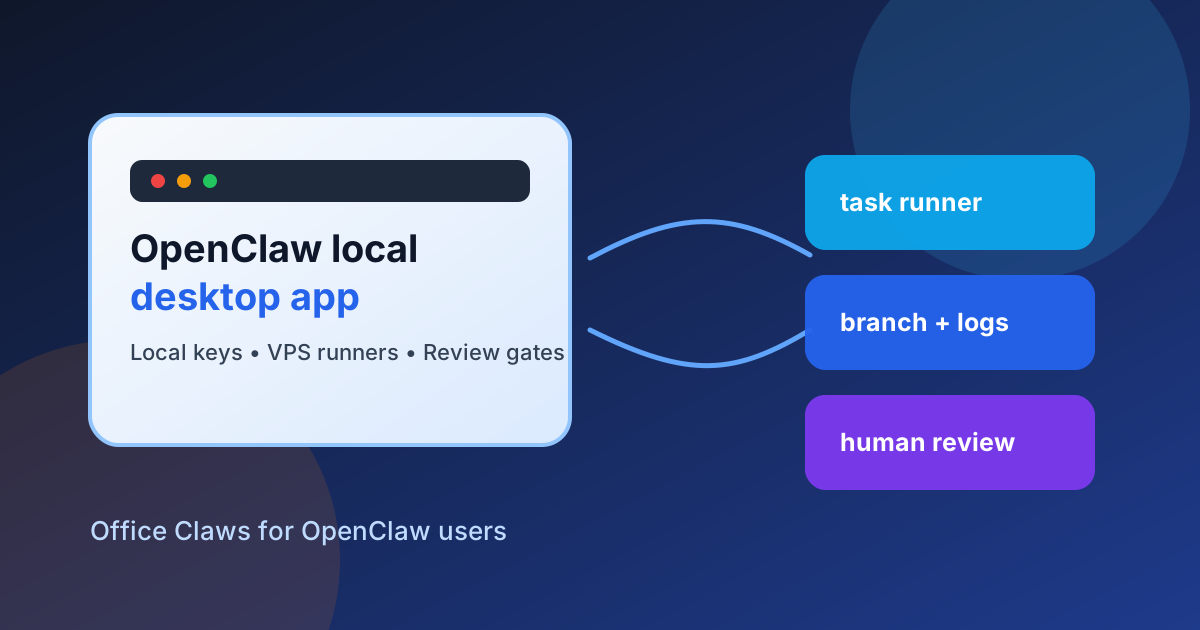
Why an OpenClaw Local Desktop App Matters
OpenClaw-style work starts to feel different once agents run for hours, open branches, and touch real repositories. A terminal is fine for one experiment. A local desktop app becomes useful when you need a control plane: one place to start work, keep credentials close, watch remote runners, and decide what gets merged.
Office Claws is not a native OpenClaw runtime. The honest fit is operational: Office Claws for OpenClaw users gives teams a local desktop manager for Codex-backed agent work, VPS runners, logs, and review gates. If you are still choosing a runtime, read OpenClaw vs Codex first; this article explains the desktop layer around those workflows.
What the OpenClaw Desktop App Should Control
A desktop app should not just wrap a terminal. It should make the risky parts of agent operations visible and reversible.
| Control area | What good looks like | Why it matters |
|---|---|---|
| Credentials | Long-lived keys stay on the local machine | VPS runners do not become secret vaults |
| Runners | One task gets one workdir, branch, and log stream | Failures are easy to isolate |
| Approvals | Destructive commands and deploys need a gate | Agents cannot silently change production |
| Cost | Token usage and stuck tasks are visible | Budget problems show up early |
| Git flow | Every meaningful change lands on a reviewable branch | Humans keep ownership of merge decisions |
That is why pages like OpenClaw desktop manager, OpenClaw security best practices, and OpenClaw background tasks all point to the same operating model: keep the control plane local and treat runners as replaceable workers.
Local Keys, Remote Work
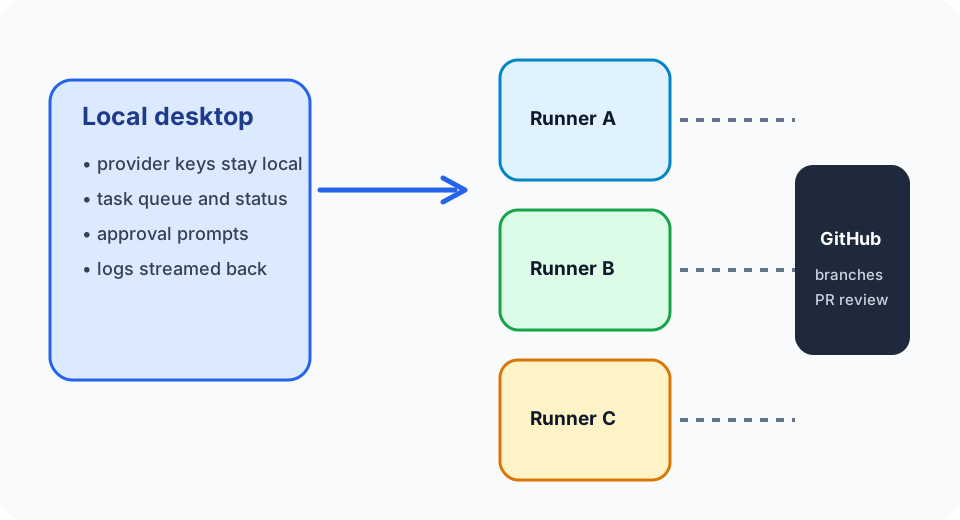
The safest pattern is simple. The local app stores provider keys, account settings, approval state, and task history. Remote runners hold a checkout, a branch, dependency caches, and short-lived credentials for the current job. When the task ends, the runner can be cleaned up without losing the operator's secrets.
Office Claws desktop
  ├─ provider keys and account settings
  ├─ task queue, approvals, and logs
  └─ VPS runner management
        ├─ repo checkout on branch openclaw-local-desktop-app
        ├─ scoped token for the current task
        └─ PR or merge request after review
This is especially useful for teams migrating from subscription-constrained OpenClaw workflows. They can keep the mental model—autonomous coding agents that work in the background—while moving execution to Codex-backed runners that are easier to budget and isolate.
Readiness Checklist
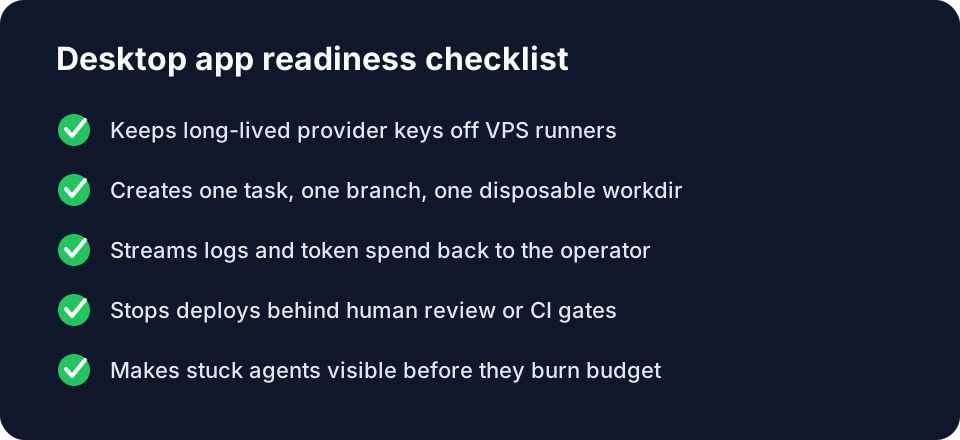
Before adopting any OpenClaw local desktop app, check five things:
- Can it keep long-lived provider keys off remote machines?
- Can it create a separate branch and workdir for each agent task?
- Can it show live logs, status, and failure states without SSH spelunking?
- Can it pause or require approval before deploy commands and destructive operations?
- Can it recover from stuck agents by stopping the runner, preserving the branch, and showing the last useful logs?
If the answer is no, you do not have a control plane yet. You have a prettier terminal.
Where Office Claws Fits
Office Claws focuses on the operator layer: desktop management, VPS runner provisioning, monitoring, Codex-backed execution, and safer local key handling. It is useful when OpenClaw-style work has outgrown ad hoc shell sessions but the team still wants local control instead of a fully hosted black box.
The tradeoff is important: Office Claws should not be described as importing OpenClaw state or running a native OpenClaw agent unless that support exists. The current value is practical operations for adjacent workflows: start the task locally, run it remotely, review the branch, then merge deliberately.
Recommended Setup
Start with a small workflow. Pick one repository, one VPS runner, and one scoped GitHub token. Run agent work on feature branches only. Keep deploy credentials in CI. Use Office Claws as the dashboard for task state and logs. Link each task to a pull request so the final decision remains human-owned.
For the broader comparison path, read OpenClaw vs Codex, then compare the OpenClaw VPS manager and OpenClaw team workflow patterns. The right desktop app does not remove judgment; it makes judgment easier to apply before an agent's work reaches production.