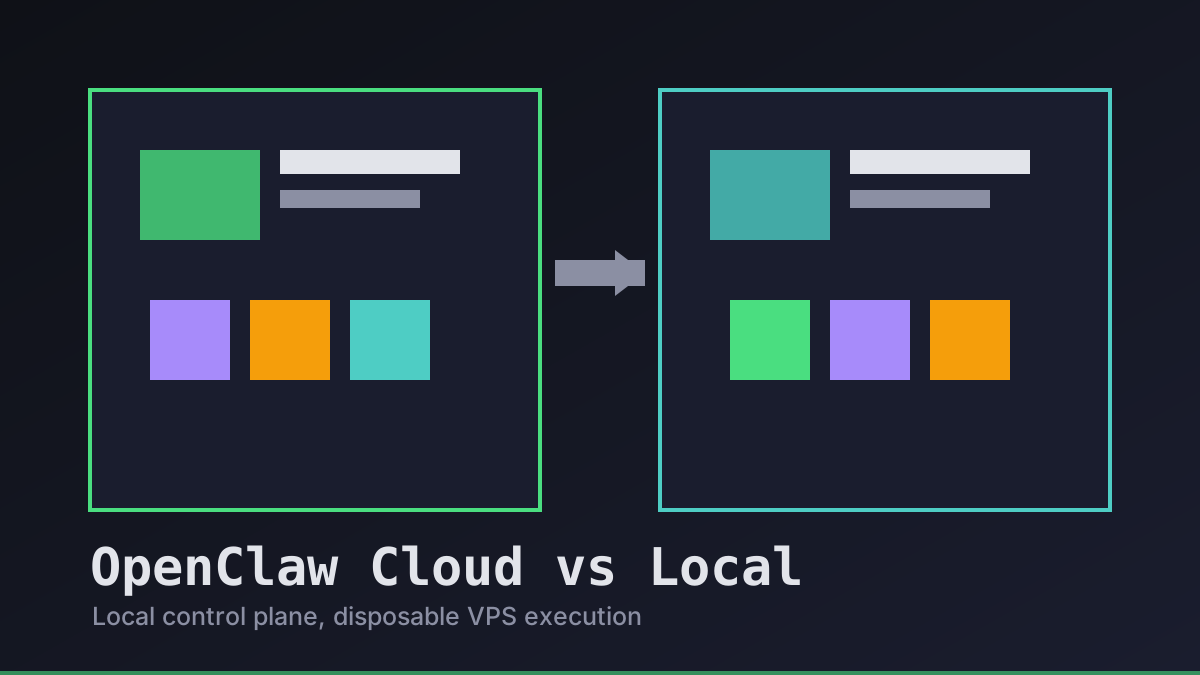
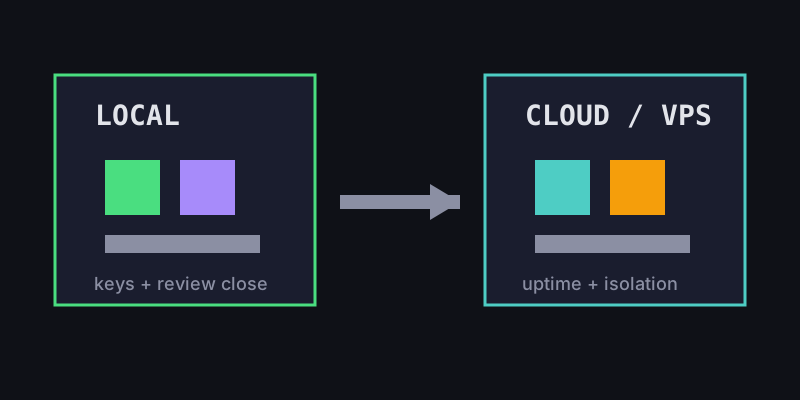
OpenClaw cloud vs local is not a religious choice. We choose the place that makes the next task easiest to control: local when keys, review, and intent matter most; cloud or VPS when isolation, uptime, and parallelism matter more.
Office Claws is not a native OpenClaw runtime. It is the operator layer for OpenClaw-style teams that want local desktop control, visible queues, safer key handling, and Codex-backed runners when that is the practical execution path. If you are still choosing a runtime, start with OpenClaw vs Codex, then use this guide to decide where work should run.
OpenClaw Cloud vs Local: The Real Tradeoff
Local agents are easier to watch. They inherit the operator's context, keep secrets close, and make it obvious when a human review gate is still required. Cloud agents are easier to keep running. They can survive laptop sleep, use clean machines, and handle parallel branches without fighting over one checkout.
The mistake is treating either side as universally safer. A local runner with a shared .env and no branch policy can be worse than a locked-down VPS. A cloud runner with broad tokens and hidden logs can make small tasks feel finished before anyone has reviewed the diff.
| Question | Prefer local | Prefer cloud / VPS |
|---|---|---|
| Where should provider keys live? | Near the desktop operator | Only if scoped and rotated |
| How long will the task run? | Minutes, review-heavy | Hours, build-heavy, async |
| How risky is the dependency surface? | Known repo, small edit | Unknown install or generated code |
| How many agents run at once? | One or two | Several isolated branches |
| What must be preserved? | Intent, review context | Logs, artifacts, uptime |
That is why Office Claws for OpenClaw users keeps the control plane local even when execution moves to a Tailscale-connected or DigitalOcean VPS runner.
A Decision Rule We Actually Use
Before sending work to any agent, we write down the operating contract. The contract is small enough to be useful and strict enough to catch unsafe defaults.
openclaw_task:
  goal: refactor-billing-copy
  control_plane: local-desktop
  runner: choose-local-unless-long-running
  branch: one-task-one-branch
  secrets: no-shared-env-files
  gates:
    - npx velite build
    - npm run build
    - human-review-before-merge
Use local execution when the task is mostly judgment: copy edits, small UI fixes, targeted tests, or anything that needs fast human steering. Use a VPS runner when the task needs a clean machine, long uptime, dependency experiments, or parallel work.
For the remote side, pair this with OpenClaw on VPS, OpenClaw remote runner architecture, and OpenClaw sandbox.
How Office Claws Splits Control and Execution
We like a split model: local desktop for command, remote runners for disposable execution. The desktop owns the queue, approvals, status, and final review. The runner owns the checkout, branch, logs, and build artifacts for one task.
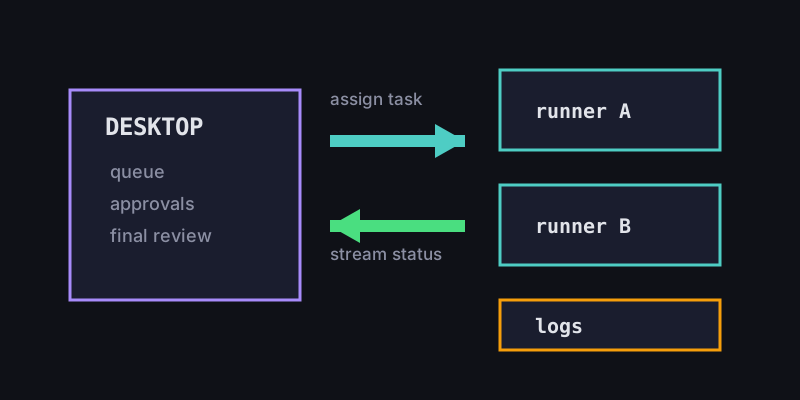
This avoids the two common extremes. We do not want every agent trapped on a laptop that might sleep during a migration. We also do not want every credential and decision pushed into a cloud box just because it is convenient.
A practical setup looks like this:
- Start the task from the Office Claws desktop queue.
- Keep provider and release credentials local unless the runner genuinely needs scoped access.
- Assign one runner, one checkout, and one branch per task.
- Stream logs and status back to the desktop instead of hiding work in SSH sessions.
- Require build output and a human merge decision before deployment.
Self-hosted teams can use their own DigitalOcean account for $4.99/month plus infrastructure cost. Managed teams can let Office Claws handle the VPS layer from $14.99/month. The workflow contract should stay the same either way.
Recommendations
Start local for trust. Move to cloud or VPS for isolation, uptime, and parallelism. Keep the review gate visible in both cases.
If you are building an OpenClaw-style operating model today, use this order:
- Read OpenClaw vs Codex if the runtime choice is still open.
- Use OpenClaw security best practices to define secrets, approvals, and logs.
- Use OpenClaw VPS manager when remote runners become the safer default.
- Keep Office Claws as the local command center so cloud scale-out does not erase human control.
Cloud vs local is the wrong binary. The better question is: where can this task run with the smallest blast radius and the clearest review path? That is the operating model Office Claws is built around.