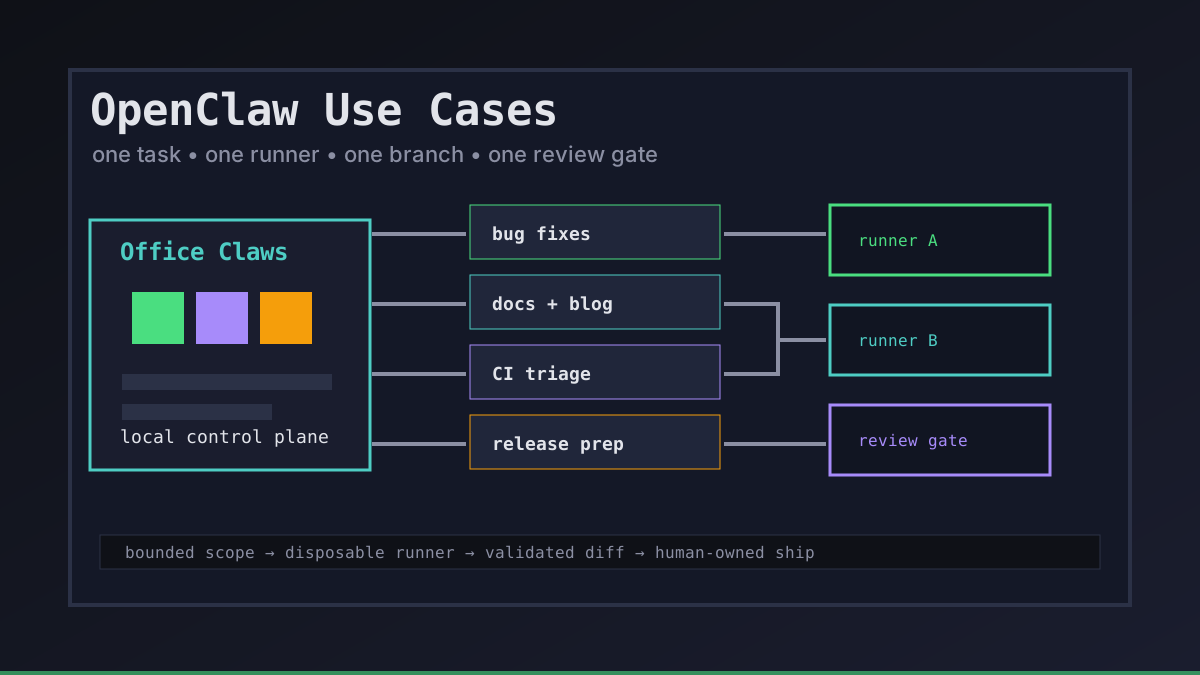
OpenClaw use cases become useful when they are concrete. A vague request like "improve the app" gives an agent too much room. A narrow lane like "fix this checkout bug on a branch, run the build, and summarize the diff" is where autonomous coding starts to feel dependable.
Office Claws is not a native OpenClaw runtime. We use the OpenClaw pattern to describe the operating model: local control, isolated local or VPS runners, visible logs, review gates, and Codex-backed execution when that is the practical runtime. If you are still choosing between runtimes, start with OpenClaw vs Codex, then use these use cases as the workflow map.
The OpenClaw Use Case Filter
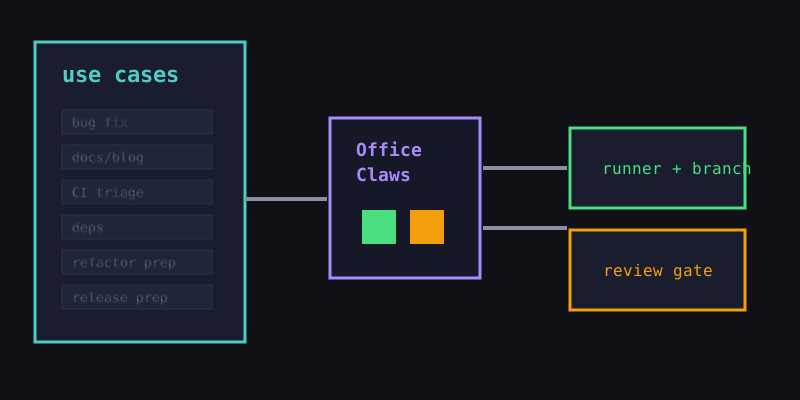
The best use cases have a bounded goal, a small blast radius, and an obvious validation step. Before handing work to any OpenClaw-style agent, we ask three questions:
| Filter | Good signal | Stop and narrow the task if... |
|---|---|---|
| Scope | The allowed files are obvious | The agent needs permission to roam the whole repo |
| Validation | A build, test, screenshot, or diff check can prove progress | Success depends only on taste or guesswork |
| Recovery | The runner, branch, or token can be discarded | A mistake could touch production or long-lived secrets |
That filter is why Office Claws for OpenClaw users focuses on runners and review rather than magic prompts. The control surface matters because the agent's work needs to be observable, interruptible, and easy to roll back.
Seven Practical OpenClaw Use Cases
1. Small bug fixes
Give the agent one issue, one branch, and one gate. Good examples include empty states, broken links, validation errors, or a failing component test. The agent should explain the root cause and leave a minimal diff.
2. Documentation and blog updates
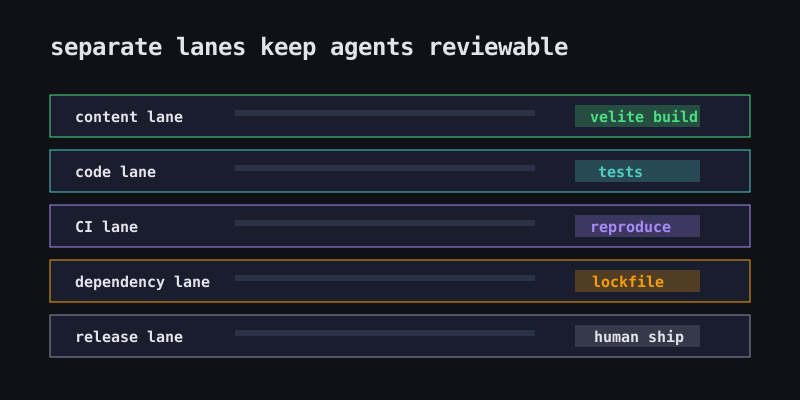
Content tasks are low-risk and easy to validate with schema checks. This is a strong first lane for OpenClaw-style work because drafts, translations, SVGs, and metadata can all live on a normal review branch.
3. CI failure triage
Agents are good at reading logs, reproducing failures, and proposing small fixes. Keep this use case diagnostic: identify what failed, why it changed, and which command proves the fix. If the fix grows large, split it into a new task.
4. Dependency upgrades
A runner can update one package family, run the build, collect release-note links, and summarize lockfile changes. Do not batch unrelated upgrades. Authentication, billing, and deployment dependencies should require explicit human review.
5. Refactor prep
Use the agent to map call sites, identify risky files, and prepare a migration checklist before the refactor starts. The output is often more valuable as a plan than as code. This keeps large changes from turning into unsupervised rewrites.
6. Release preparation
Agents can collect changelog entries, verify localized pages, check static builds, and prepare smoke-test notes. The production decision should stay with a human. Office Claws keeps this sane by showing the branch, runner, logs, and final gate in one place.
7. Remote long-running work
Some tasks are too slow or noisy for a laptop terminal. Running them on a disposable VPS gives the agent time to work without polluting the developer machine. Pair this with OpenClaw remote runner architecture and OpenClaw monitoring so stuck jobs are visible.
A Starter Playbook
A simple team playbook is enough to make these use cases repeatable:
openclaw_style_task:
  owner: human-reviewer
  runner: isolated-local-or-vps
  branch: agent/<short-task-name>
  allowed_paths:
    - website/**
    - docs/**
  gates:
    - reproduce-or-build
    - summarize-diff
    - human-review
  secrets:
    policy: scoped-and-temporary
For local-first teams, the pattern is the same whether the execution engine is OpenClaw, Codex, or another agent: one task, one runner, one branch, one review trail. Office Claws adds the desktop and VPS management layer around that pattern so the work does not disappear into a forgotten terminal pane.
Recommendations
Start with documentation, small bug fixes, and CI triage. Add dependency upgrades only after the team trusts the review gates. Keep release preparation and production deploys human-owned until the process is boring.
The most useful OpenClaw use cases are not the flashiest ones. They are the ones where the agent can make steady progress, the human can review the evidence, and a bad run can be discarded without drama.
Related Reading
- OpenClaw vs Codex — compare runtime and operating tradeoffs.
- Office Claws for OpenClaw users — desktop management for local and VPS runners.
- OpenClaw workflow examples — five concrete agent workflow templates.
- OpenClaw sandbox — reduce blast radius before agents touch real repos.