Why OpenClaw Multi Agent Workflow Needs Boundaries
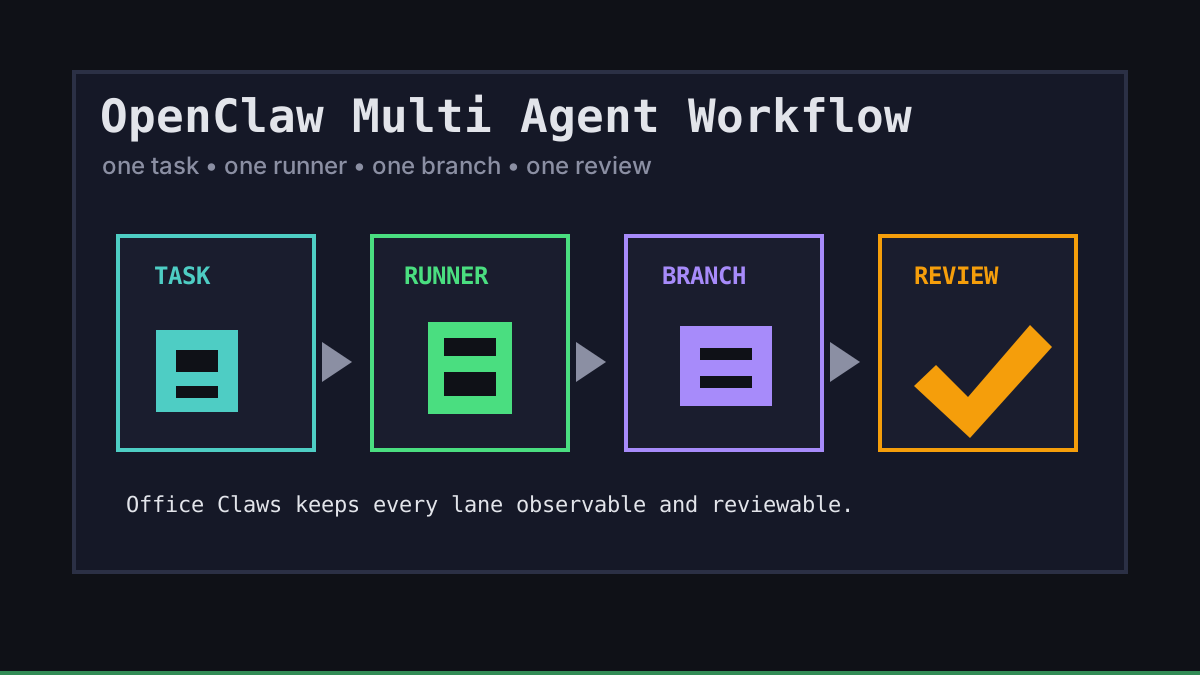
OpenClaw-style multi-agent work is powerful because several coding tasks can move at once. It gets messy when every agent shares the same checkout, terminal history, secrets, and definition of done. The workflow we trust is boring on purpose: one task, one runner, one branch, one log stream, one review.
Office Claws is not a native OpenClaw runtime. We position it honestly as an operator layer for OpenClaw users who want local desktop control, VPS runners, Codex-backed execution, safer key handling, and visible review gates. If you are still choosing the runtime, start with OpenClaw vs Codex, then design the workflow around the runner you can observe.
The Workflow: Split Before You Start
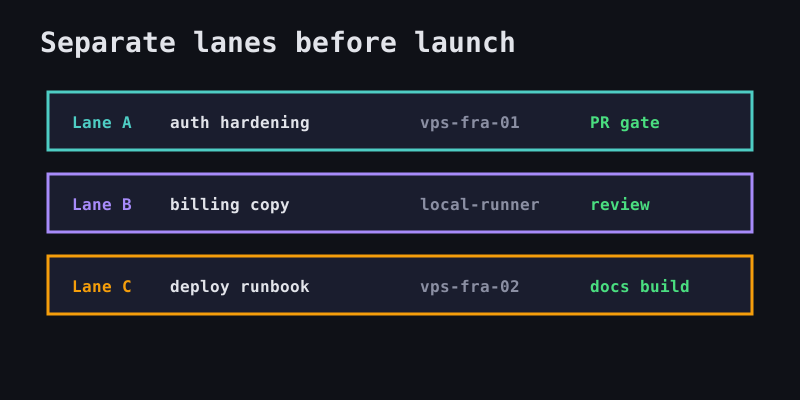
The biggest mistake is launching agents from a shared prompt like “fix the dashboard.” Split the work into lanes first. Each lane should be small enough that a reviewer can understand the diff without reconstructing the entire conversation.
| Lane | Owner | Runner | Branch | Done when |
|---|---|---|---|---|
| Auth hardening | Agent A | vps-fra-01 | agent/auth-rate-limit | tests pass and PR is open |
| Billing copy | Agent B | local-runner | agent/billing-copy | content review is ready |
| Deploy notes | Agent C | vps-fra-02 | agent/deploy-runbook | docs build passes |
That split gives Office Claws for OpenClaw users something concrete to manage: launch separate runners, keep logs separate, and stop one failed lane without interrupting the others.
A Safe OpenClaw Multi Agent Workflow Template
Use a small task contract before any model starts editing files. We like YAML because it is readable in a task card, a PR description, or a run log.
workflow: openclaw-multi-agent
repo: officeclaws/web
policy:
  one_branch_per_task: true
  shared_worktree: false
  require_review_before_merge: true
lanes:
  - task: add-login-rate-limit
    runner: vps-fra-01
    branch: agent/add-login-rate-limit
    allowed_paths:
      - backend/auth/**
      - backend/tests/**
    validation:
      - go test ./backend/...
  - task: update-security-doc
    runner: local-runner
    branch: agent/update-security-doc
    allowed_paths:
      - website/content/docs/security*.md
    validation:
      - npm run build
The exact schema matters less than the discipline: declare ownership, limit paths, require validation, and make the review gate explicit.
Isolation, Logs, and Failure Recovery
Multi-agent work fails in predictable ways. Build recovery into the workflow instead of hoping every run finishes cleanly.
| Failure mode | Prevention | Recovery |
|---|---|---|
| Two agents edit the same file | assign allowed paths up front | pause one lane and rebase manually |
| Agent loops on a command | set time and quiet-log limits | summarize, checkpoint, restart from clean commit |
| Secrets leak into prompts | keep keys local and scoped | rotate token and audit logs before merge |
| Diff grows beyond task | require branch ownership | split the branch or discard unrelated changes |
| Runner dies mid-task | stream logs and preserve worktree | restart on another VPS from the last commit |
For deeper security boundaries, pair this workflow with OpenClaw sandbox, OpenClaw secrets management, and OpenClaw monitoring. The point is not to remove humans; it is to give humans fewer hidden states to inspect.
Recommended Office Claws Setup
A practical Office Claws setup for OpenClaw multi agent workflow looks like this:
- Create one task card per lane.
- Assign each lane to a local runner or isolated VPS.
- Use one Git branch and one log stream per task.
- Keep provider keys on the desktop or scoped to the runner that needs them.
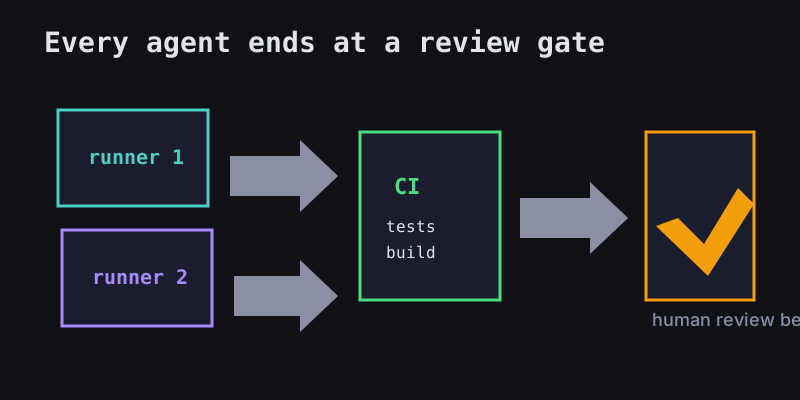
- Require local tests, CI, or a documented blocker before review.
- Merge only after a human reviews the PR.
That model keeps OpenClaw-style autonomy useful without turning it into a trust fall. Office Claws helps with desktop management, VPS runner provisioning, live status, Codex-backed execution, and reviewable branches. For teams, it is the difference between “several agents are doing something” and a workflow you can actually ship.
Related Reading
- OpenClaw vs Codex — compare runtime and operating models.
- Office Claws for OpenClaw users — desktop management for agent work.
- OpenClaw agent orchestration — queues, limits, and recovery.
- OpenClaw parallel agents — scaling many lanes safely.